1. Open the image/screenshot
2. Right click and then select "copy" or "copy image" (depending on your browser)
3. Open this thread (Game Guess the screenshot)
4. At the bottom of the page where you type to create a new thread, right click and select "paste"
♥ 2 LIKES
#42SEP 20, 2016 · 9 yr ago
"Wilycub, post: 115004, member: 25043" said:
1. Open the image/screenshot
2. Right click and then select "copy" or "copy image" (depending on your browser)
3. Open this thread (Game Guess the screenshot)
4. At the bottom of the page where you type to create a new thread, right click and select "paste"
Yup, that's exactly how you do it.
♥ 1 LIKE
#43SEP 21, 2016 · 9 yr ago
Or you can use "prtscn" to capture any frame you want when watching the DVD on PC. The paste into an image editor like photoshop. Upload the image to a hosting service and copy the link into your post. That's how I do it. Takes a bit longer, but you can get a shot of anything you want. I have all the episodes ripped to my hard drive so it's much quicker than using the DVD's.
♥ 2 LIKES
#44SEP 21, 2016 · 9 yr ago
"Booshman, post: 115019, member: 25641" said:
Or you can use "prtscn" to capture any frame you want when watching the DVD on PC. The paste into an image editor like photoshop. Upload the image to a hosting service and copy the link into your post. That's how I do it. Takes a bit longer, but you can get a shot of anything you want. I have all the episodes ripped to my hard drive so it's much quicker than using the DVD's.
I used WMM to rip screencaps (I have MANY MANY Mumm-Ras) then post it all on tumblr.


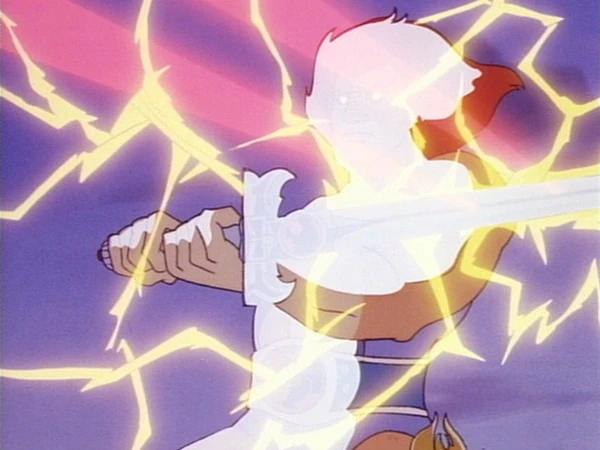 Good luck all.
